

Create your first test
This walks you through Autest from signing in to running your first test. It takes about 15 minutes.
1. Sign in
Section titled “1. Sign in”Open Autest and sign in with your email address and password.
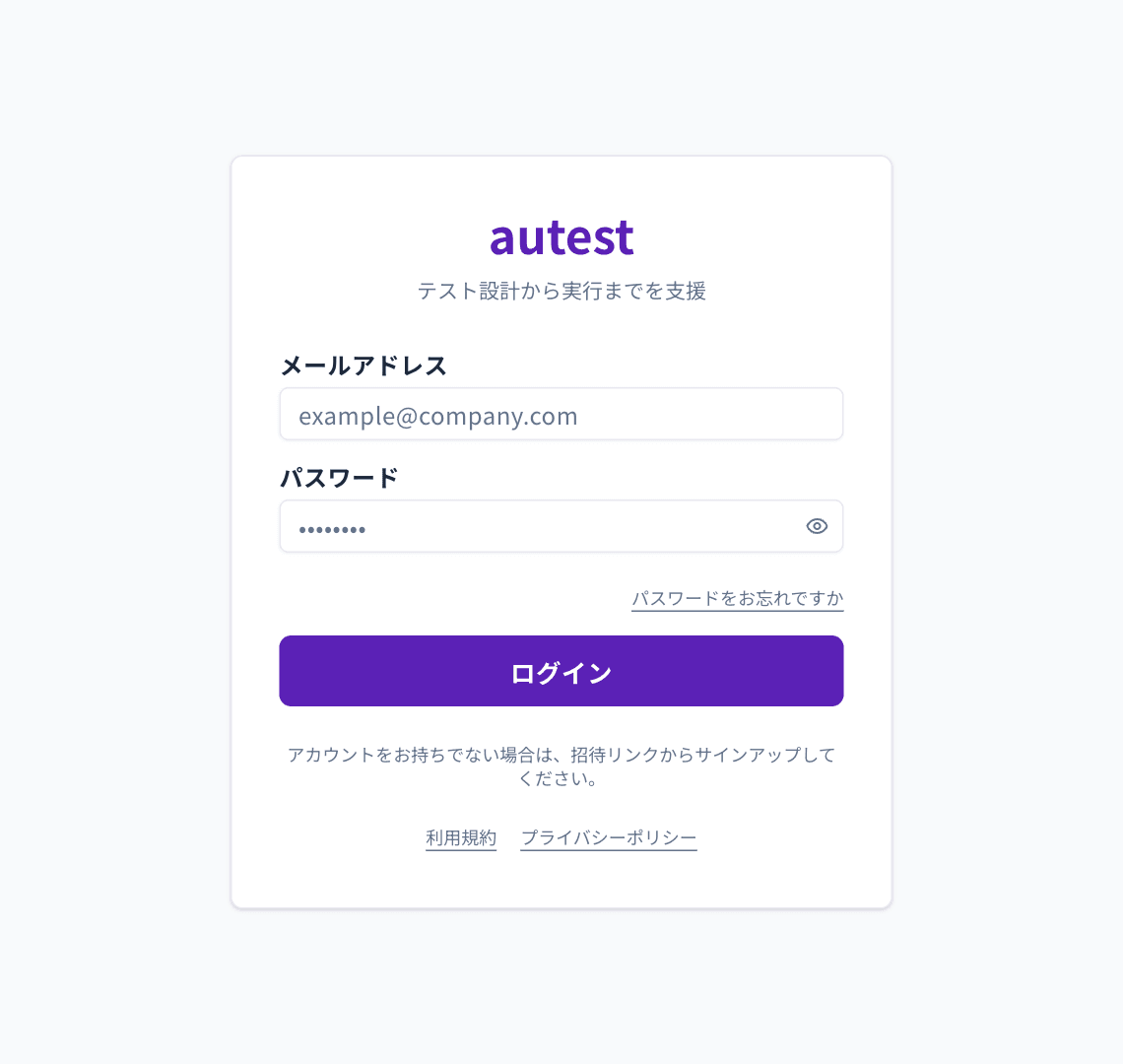
New here? See Sign up and sign in.
2. Register a product
Section titled “2. Register a product”Open Products in the left menu and choose Register product at the top right.
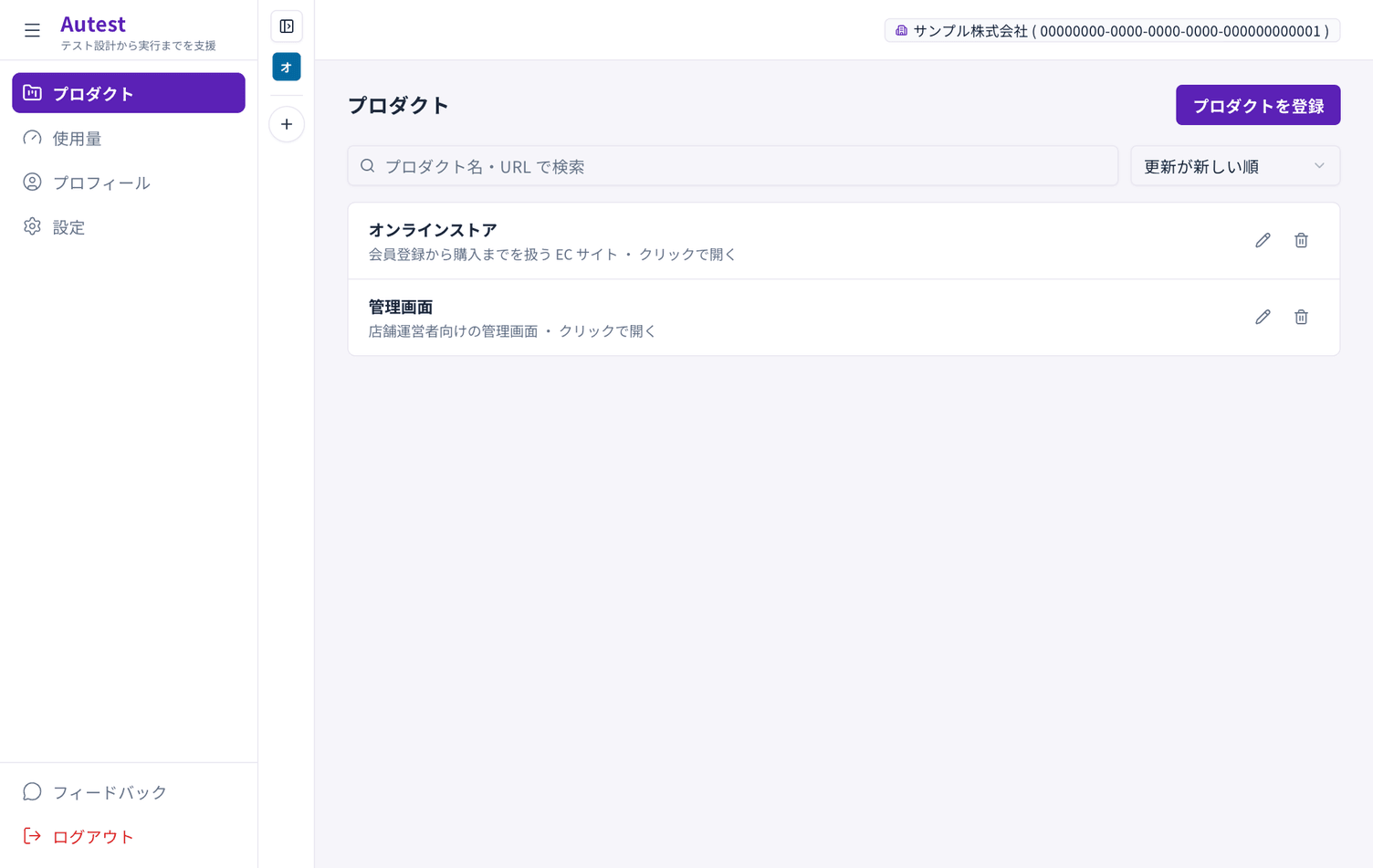
Give the site a name and a description.
3. Create a test plan
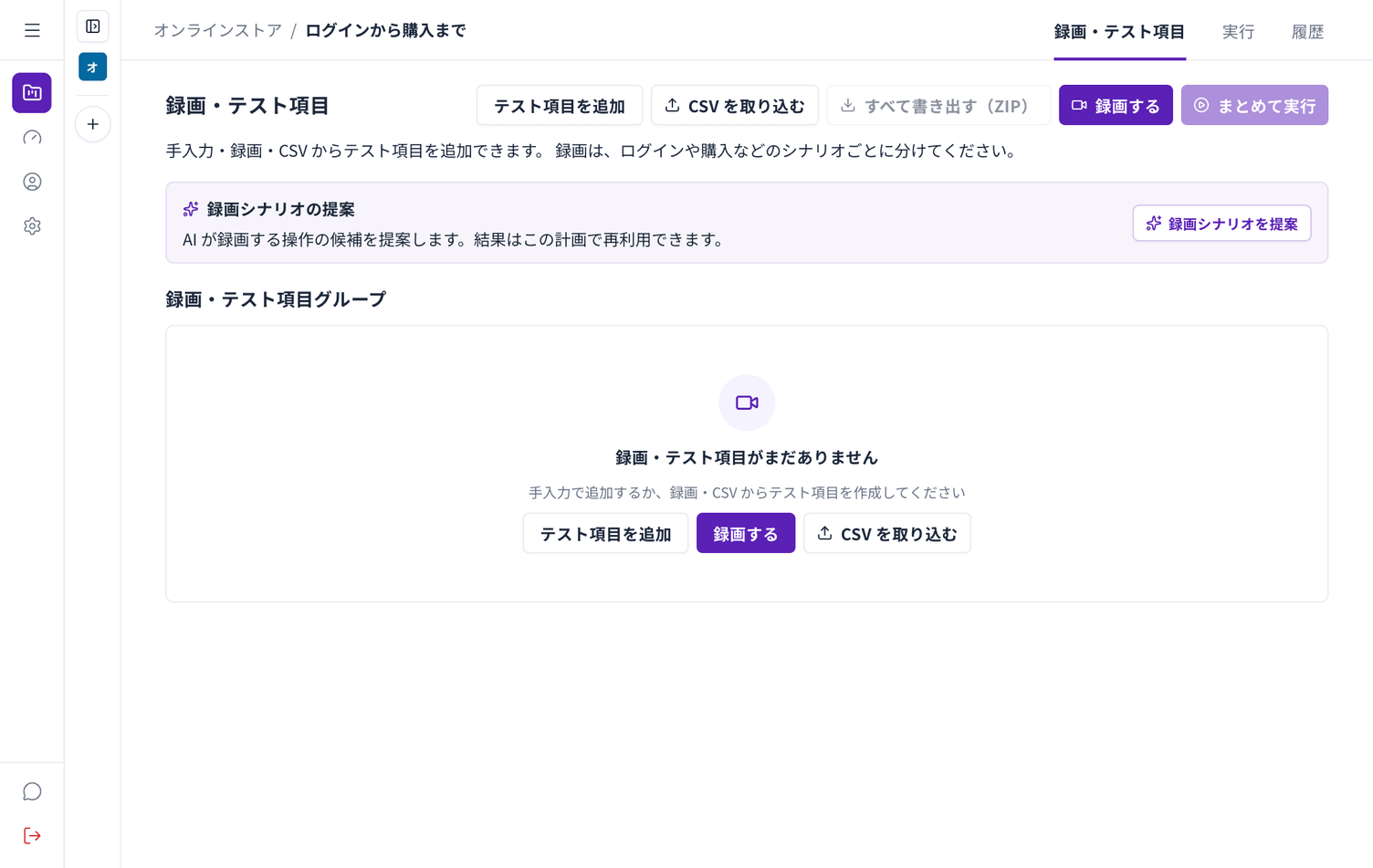
Section titled “3. Create a test plan”Open the product you registered and create a test plan. Start with one group of steps you want to check, such as “sign-in to checkout”.
4. Record
Section titled “4. Record”Choose Record to open the recording screen. Enter a URL, choose Start recording and use the site.
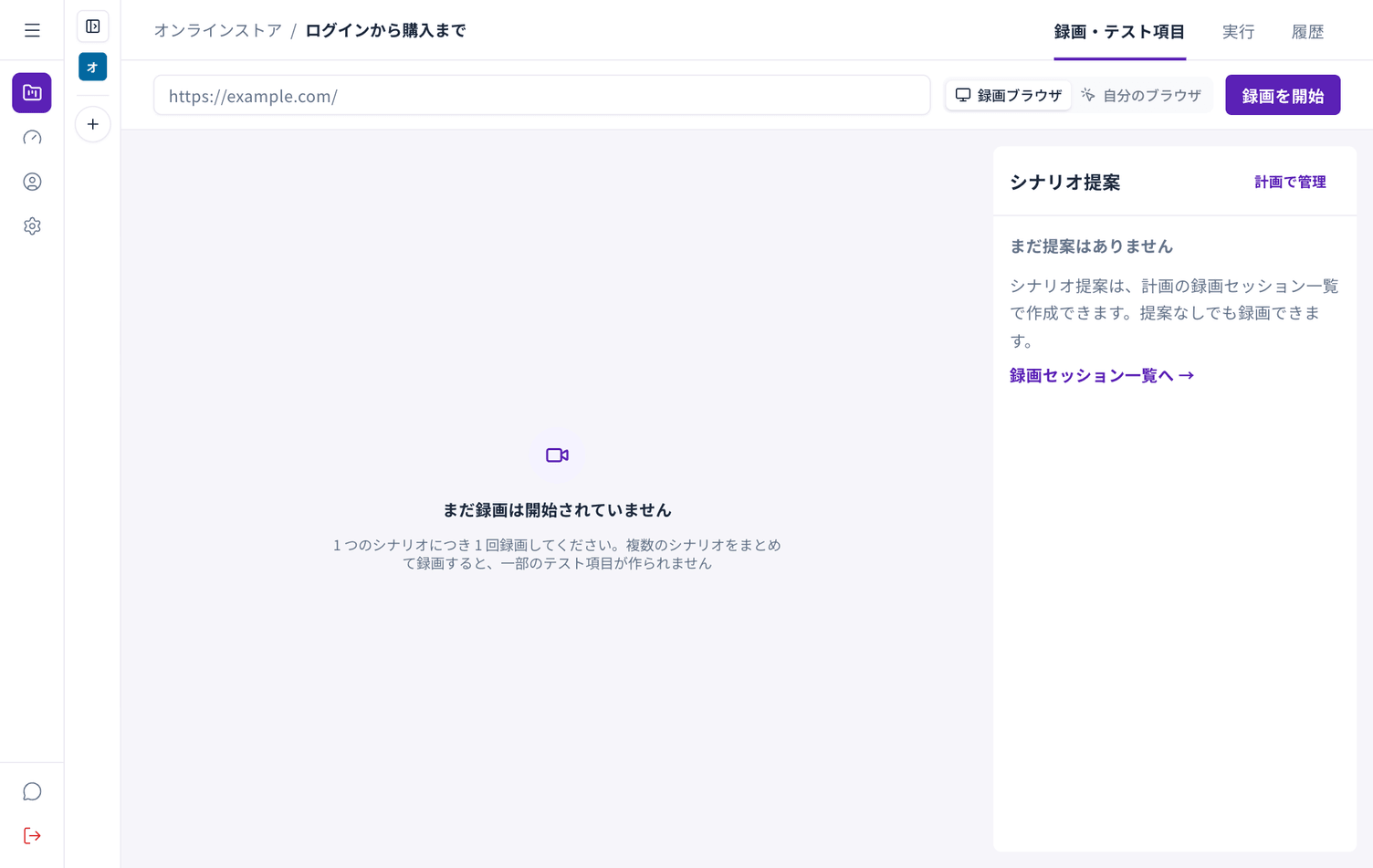
There are two ways to record. See Ways to record.
5. Generate a specification
Section titled “5. Generate a specification”When you stop recording you return to the recording list. Choose Generate specification and Autest writes one from what you did.
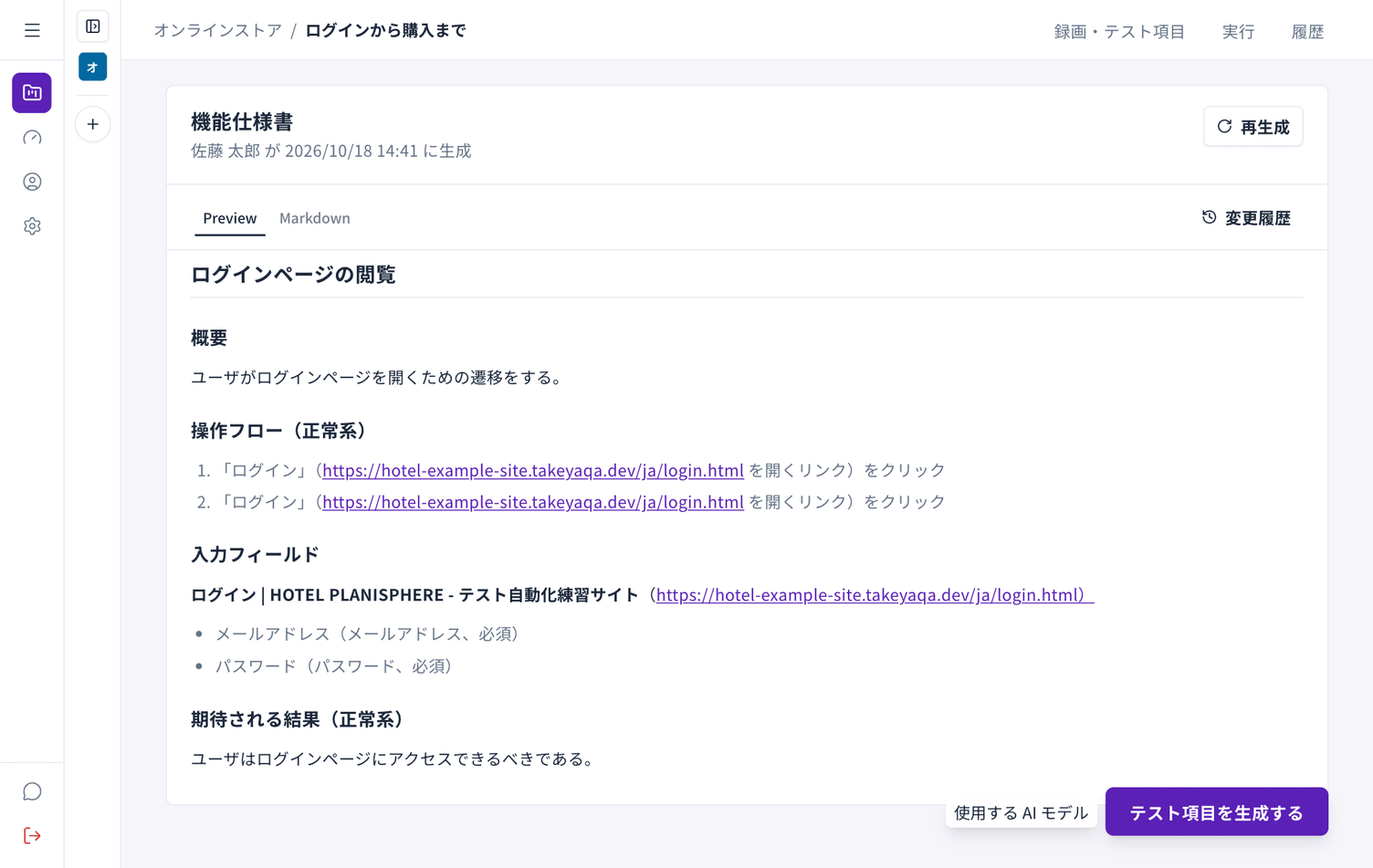
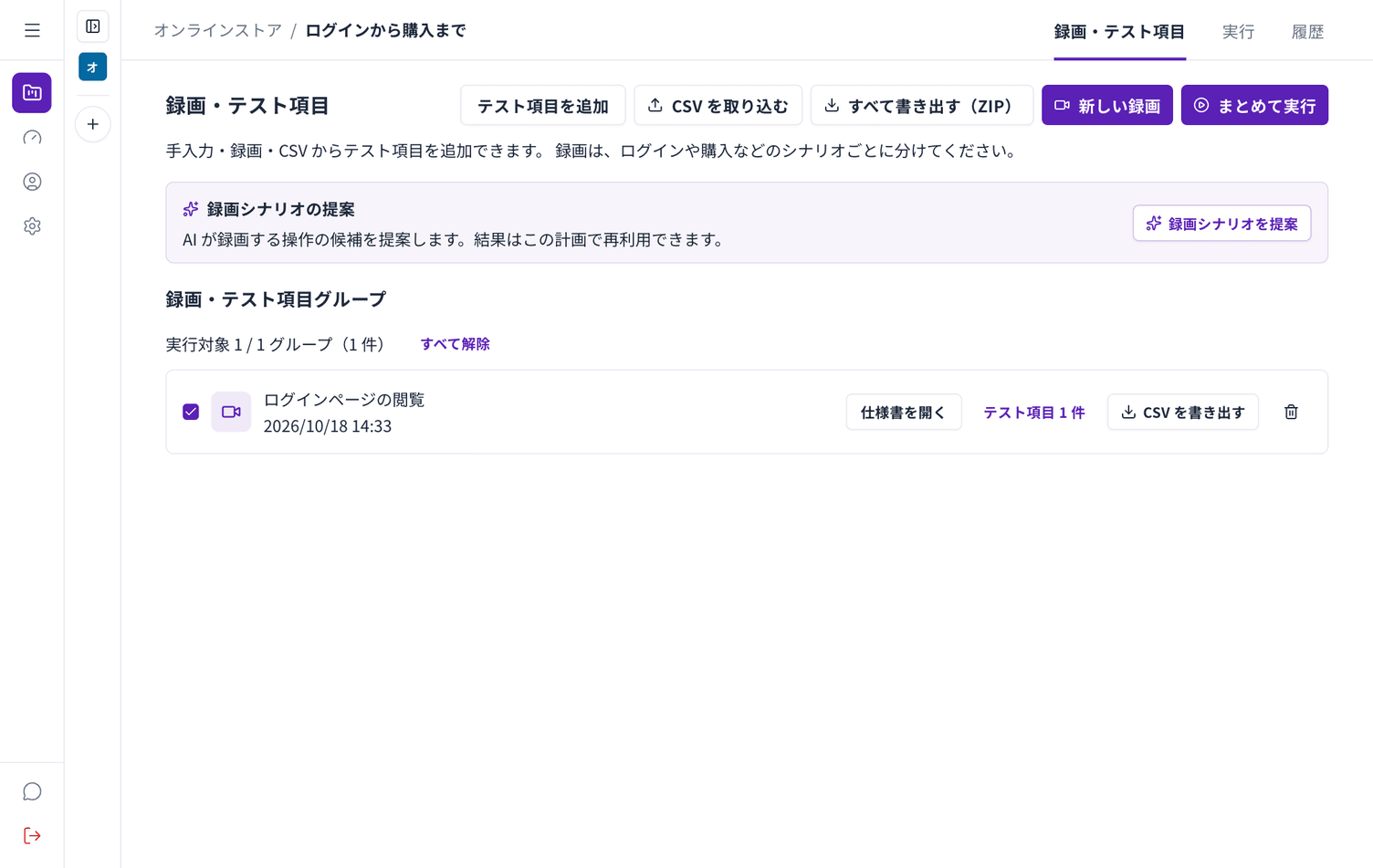
6. Generate test cases
Section titled “6. Generate test cases”On the specification screen, choose Generate test cases. You get steps paired with expected results.
7. Run them
Section titled “7. Run them”Open the Run tab and choose Start run.
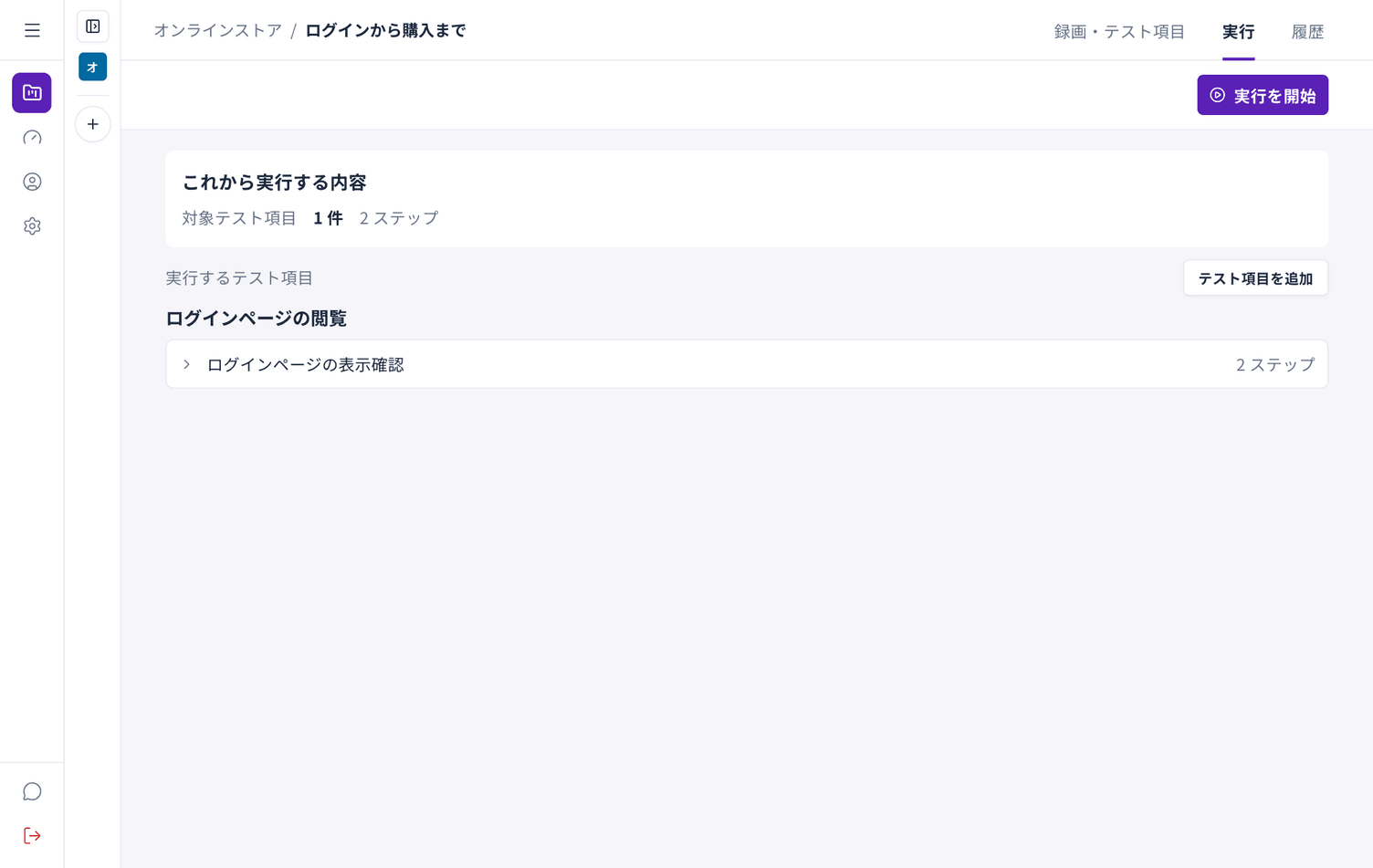
The results appear when the run finishes. See Run your tests.