

Read your results
When a run finishes, every test case gets a result.
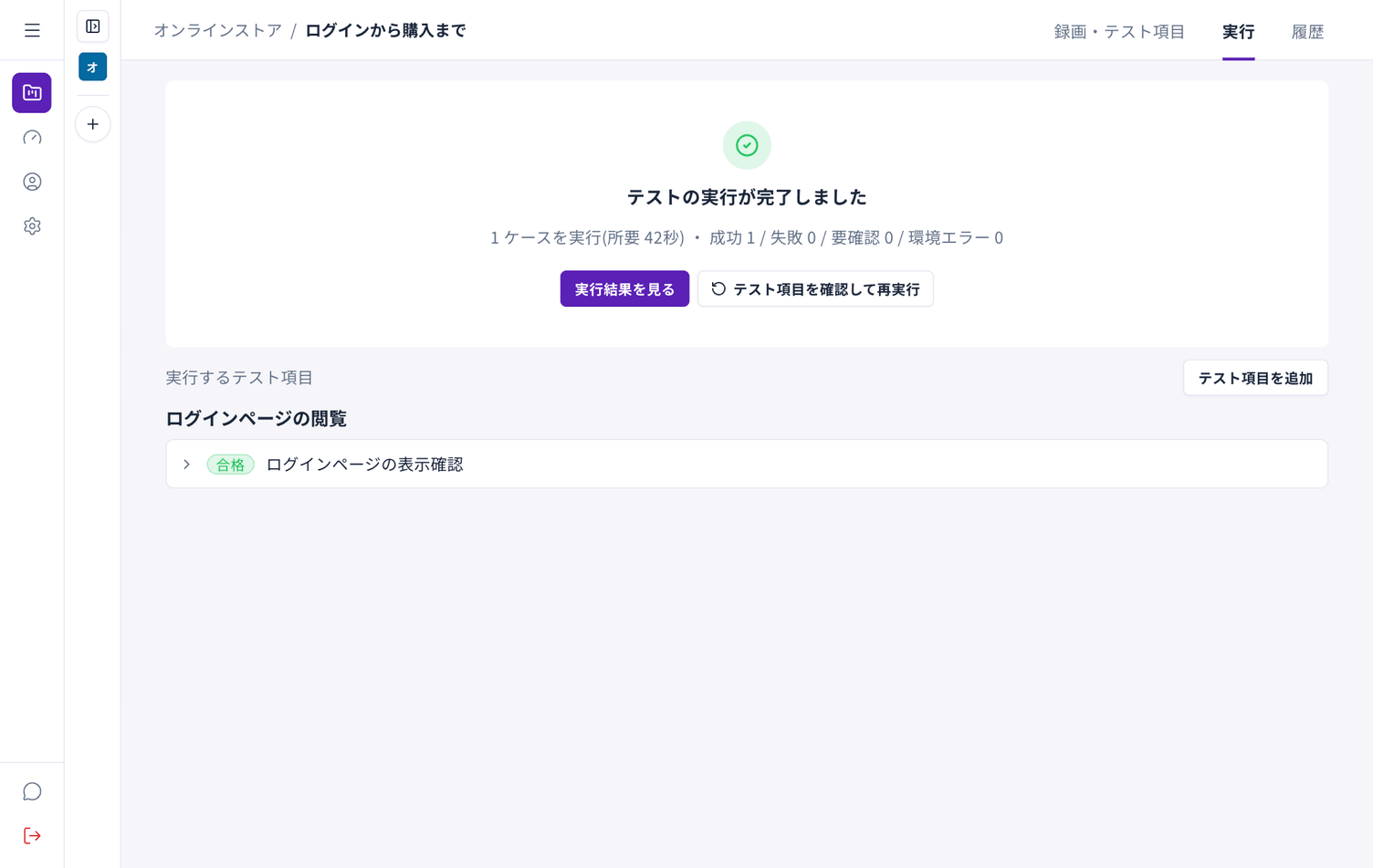
What each result means
Section titled “What each result means”| Result | Meaning | What to do |
|---|---|---|
| Passed | The expected result happened | — |
| Failed | Something other than the expected result happened | Check for a defect in the site, or review the test case |
| Needs review | Autest could not decide on its own | Look at it and judge |
| Environment error | The problem was in the run itself, not the test | Wait a moment and run it again |
Treat failures and environment errors differently. A failure is a problem with what you are testing; an environment error is a problem on the running side.
Looking at the detail
Section titled “Looking at the detail”Expand a test case row to see each step. That shows you where it went wrong.
Running again
Section titled “Running again”Review test cases and run again repeats the same set. Try this first for environment errors.
When failures persist
Section titled “When failures persist”- Check whether the screens have changed. If they have, record again
- Check that the expected result in the test case still matches reality
- For sites that need a sign-in, check that the test account still works