

Review your recordings
Open a test plan and the Recordings and test cases tab lists your recordings.
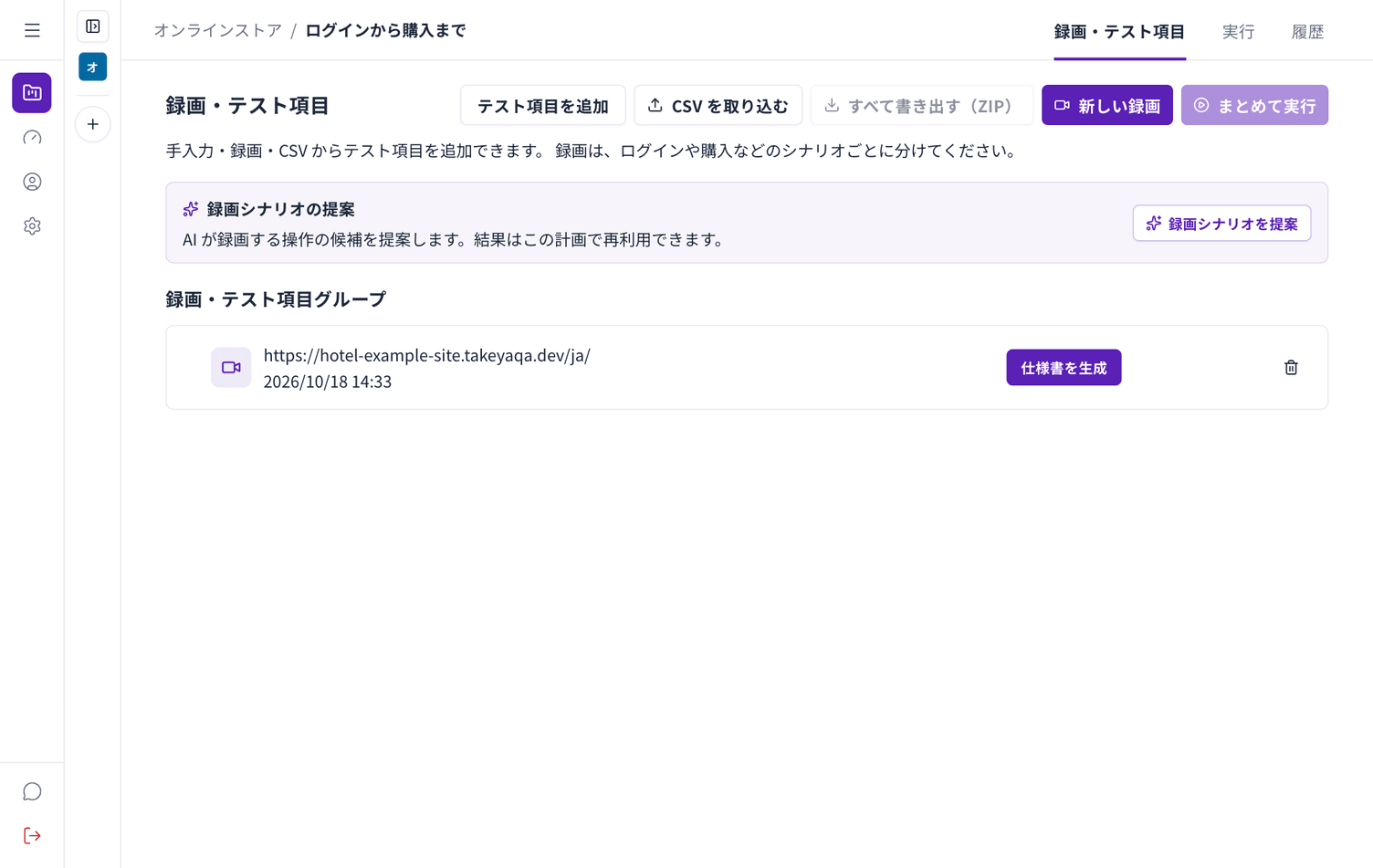
Reading the list
Section titled “Reading the list”Each row shows the URL you recorded and when. The button on the right depends on the state of the recording.
| Button | Meaning |
|---|---|
| Generate specification | No specification yet. Choosing this creates one |
| Open specification | A specification exists |
| Generate test cases | The specification exists but there are no test cases yet |
Recording again
Section titled “Recording again”To redo a scenario, choose New recording. The old recording stays in the list; delete it if you do not need it.
Deleting
Section titled “Deleting”You can delete a recording from the list. Deleting it also makes its specification and test cases inaccessible.
Scenario suggestions
Section titled “Scenario suggestions”Choose Suggest scenarios and Autest proposes what would be worth recording. Use it when you are not sure where to start. You can record without suggestions.