

Ways to record
Recording captures what you do on screen so Autest can build tests from it. There are two ways to do it.
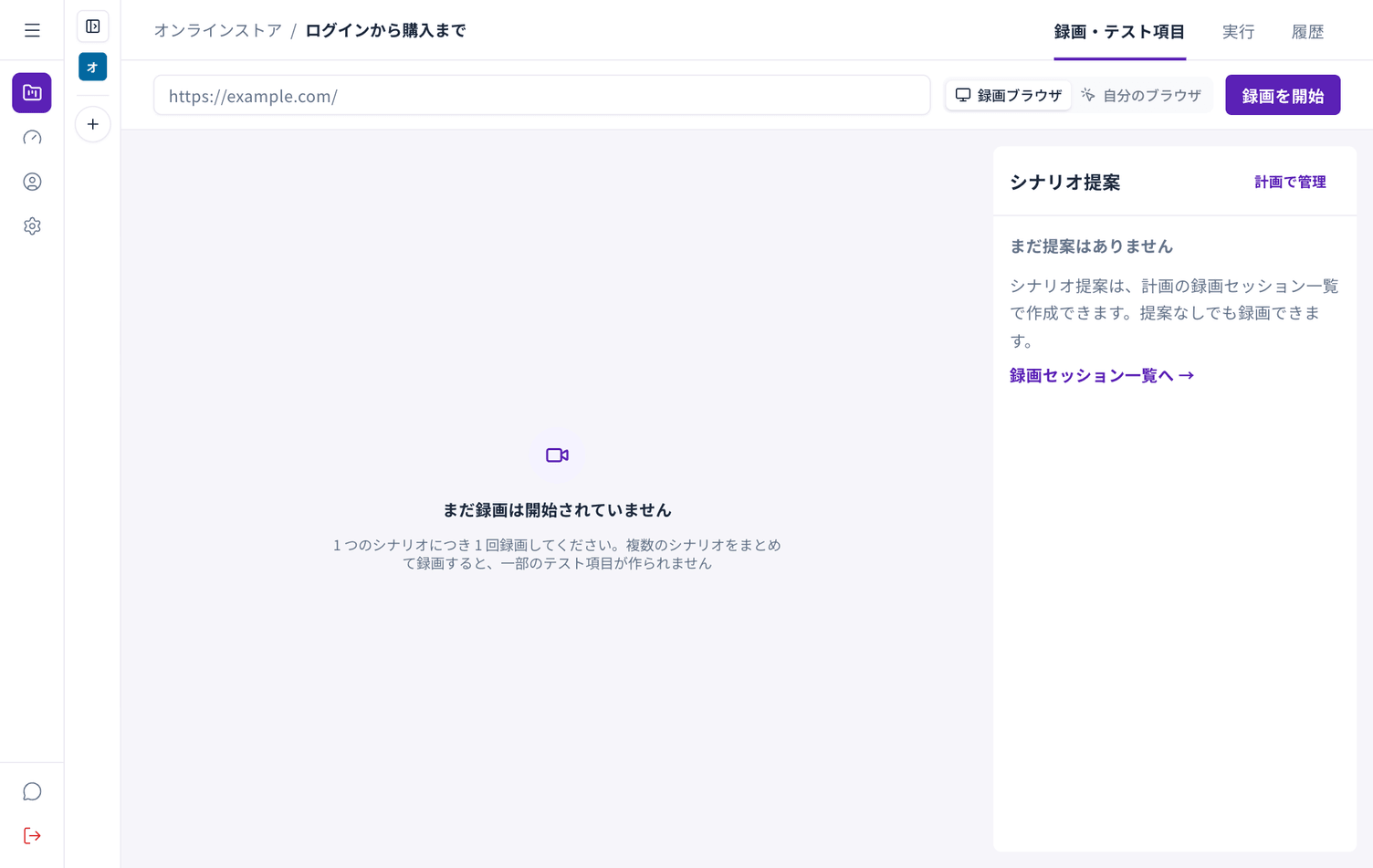
Switch between Recording browser and My browser to the right of the URL field.
How they differ
Section titled “How they differ”| Recording browser | My browser (Autest Recorder) | |
|---|---|---|
| Where you work | Inside the Autest screen | A separate window on your own computer |
| Setup | None | Install a Chrome extension |
| Sites only visible internally | Cannot reach them | Can reach them |
| Browsers | Any | Chrome only |
| Concurrent recordings | Limited per organisation | No limit |
Which to choose
Section titled “Which to choose”- A site reachable from the internet — the recording browser is enough, and needs no setup
- A site only visible on your internal network — use Autest Recorder
- A site restricted to certain machines — use Autest Recorder
Either way the specification and test cases come out the same. You can switch later.