

Record in the recording browser
The recording browser runs inside Autest. You can start straight away without installing anything.
- Open a test plan and choose Record (or New recording after the first time)
- Check that the method is set to Recording browser
- Enter the URL you want to record, starting with
https:// - Choose Start recording
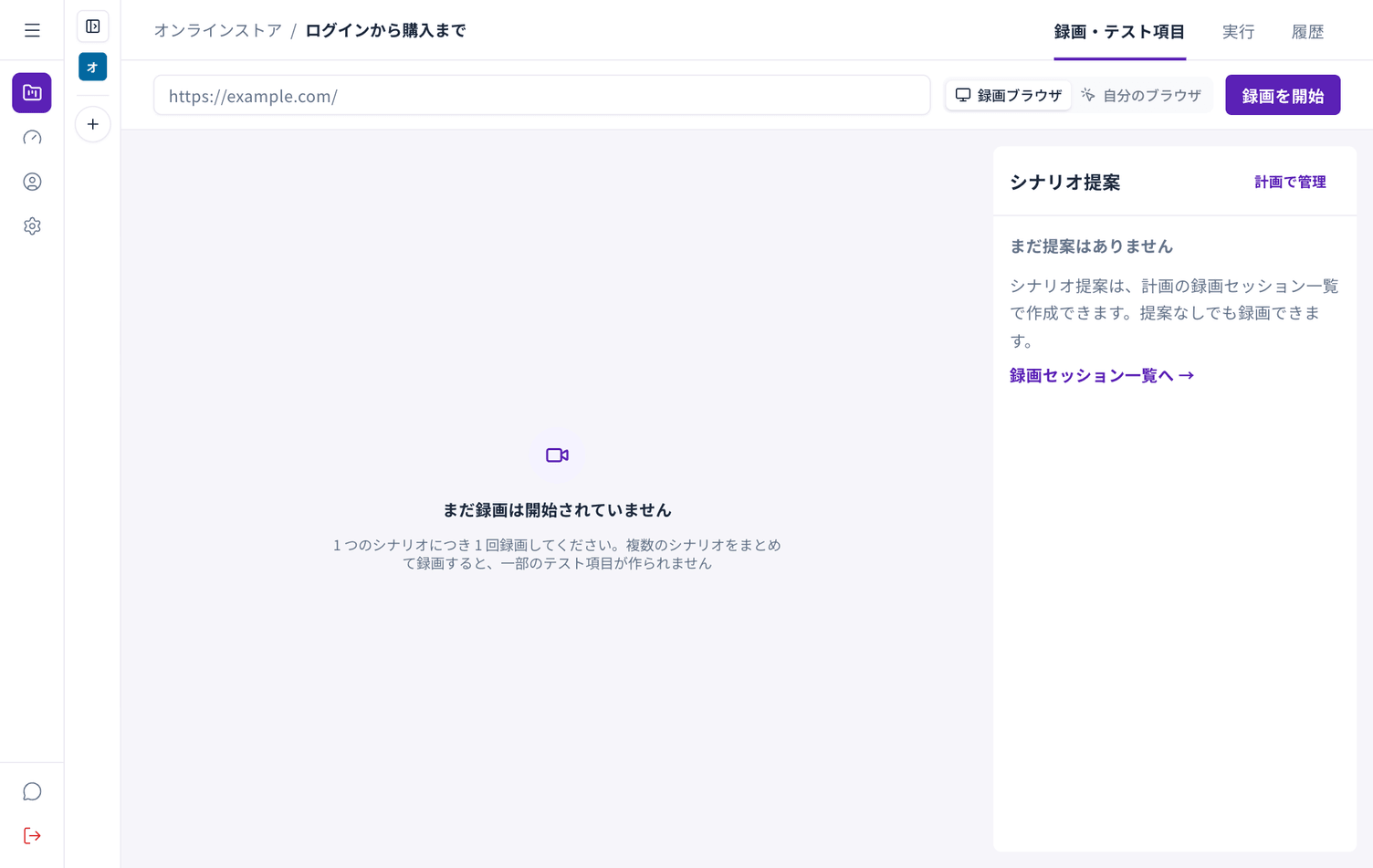
After a moment a browser appears inside the screen. Use it as you normally would; everything you do is captured.
When you are done, choose Stop recording at the top right. You return to the recording list.
While recording
Section titled “While recording”- The browser inside the screen behaves like any other browser
- Use the arrows at the top to go back and forward
- The window size is matched to the Autest screen
When it will not work
Section titled “When it will not work”The recording browser cannot reach these. Use Autest Recorder instead.
- Sites only reachable from an internal network or over a VPN
- Sites that restrict access by IP address
- Sites running only on your own machine, such as
localhost