

Create a test plan
A test plan groups the steps you want to check, such as “sign-in to checkout” or “account registration”.
Creating one
Section titled “Creating one”Open a product and create a test plan. You can change the title later.
How to split plans
Section titled “How to split plans”Keep one plan to related steps. A plan can hold several recordings (scenarios), but mixing unrelated steps produces test cases that do not line up.
| Works well | Avoid |
|---|---|
| Separate plans for “registration”, “sign-in to checkout” and “closing an account” | One plan holding everything |
| One plan with three recordings: “sign in”, “choose an item”, “check out” | One recording covering sign-in through checkout |
What is inside a plan
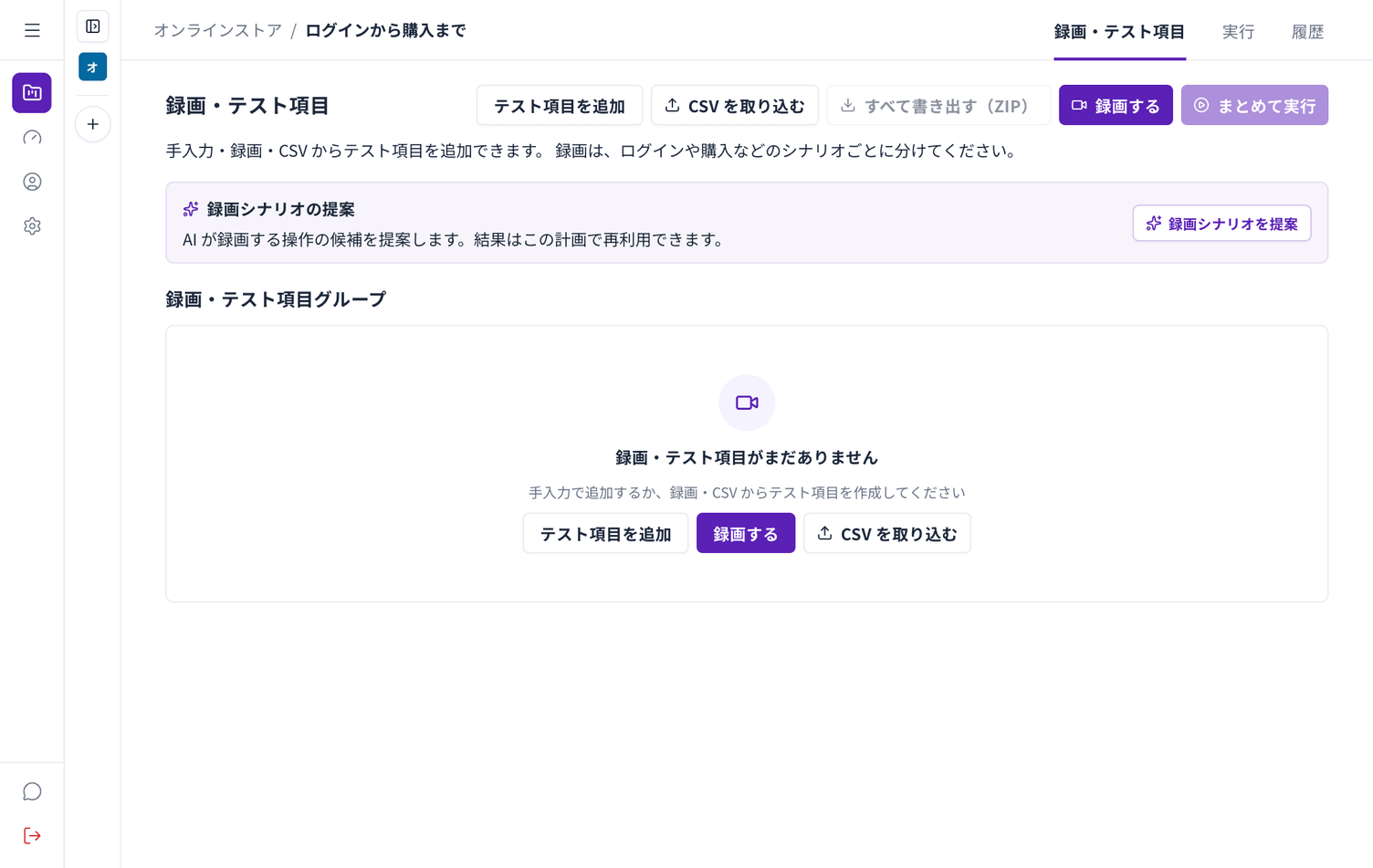
Section titled “What is inside a plan”A test plan has three tabs.
| Tab | Contents |
|---|---|
| Recordings and test cases | Your recordings and the test cases built from them |
| Run | What is about to run, and the button to start |
| History | Results of past runs |