

Register a product
A product is the website or service you want to test. Everything in Autest lives under a product.
Registering one
Section titled “Registering one”- Open Products in the left menu
- Choose Register product at the top right
- Enter a name and a description
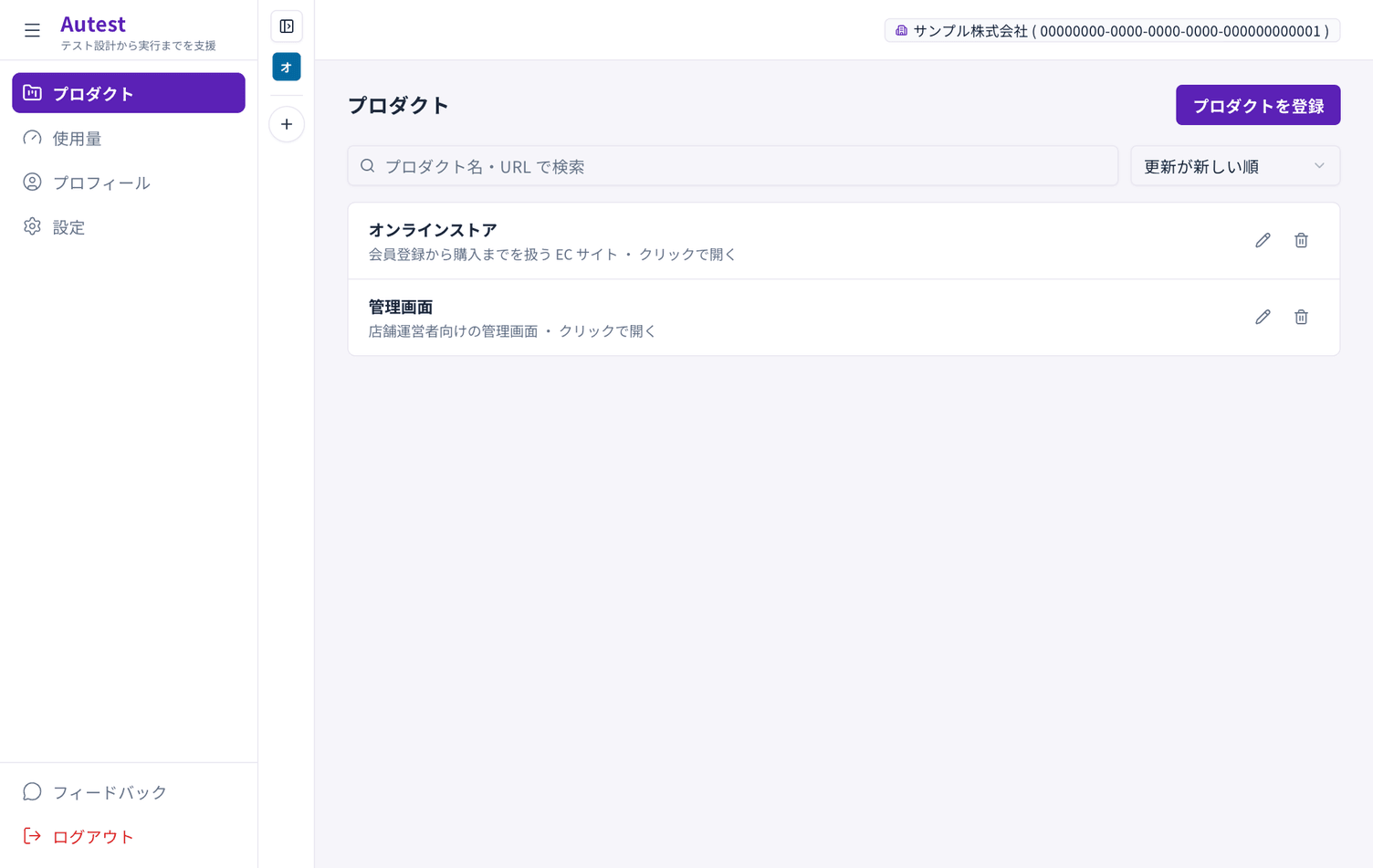
You can rename it later from the pencil icon in the list.
When to use separate products
Section titled “When to use separate products”Register separate products when:
- The audience is different (a storefront and an admin console)
- The domain is different
- The screens are built completely differently
If they are different screens of the same site, keep one product and separate them into test plans.
Versions
Section titled “Versions”A product has versions. They let you keep tests for an older release when the screens change significantly.
Normally you can stay on the version that is created for you.
Deleting a product
Section titled “Deleting a product”Use the bin icon in the list. Deleting a product also makes its test plans, recordings and test cases inaccessible.