

Manage test cases
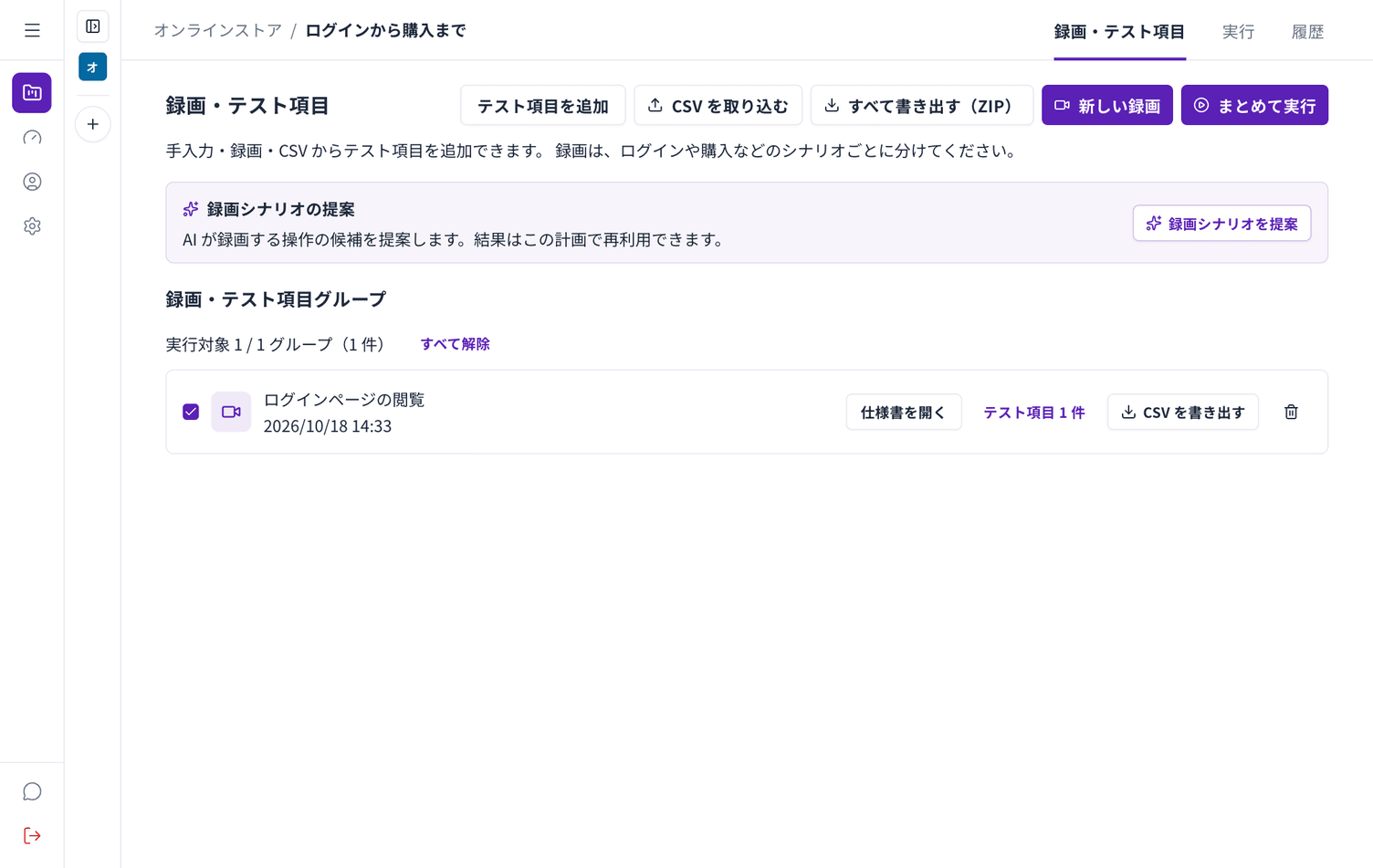
Adding by hand
Section titled “Adding by hand”Choose Add test case to enter a title, steps and expected results yourself. Use it for checks that have no recording.
Importing from CSV
Section titled “Importing from CSV”If you already keep test cases in a spreadsheet, use Import CSV to register them in bulk.
Export first to see the column order. Export all (ZIP) gives you the current test cases.
Exporting
Section titled “Exporting”Export all (ZIP) downloads the test cases of the plan. Use it for reports, or to move them to another tool.
Choosing what to run
Section titled “Choosing what to run”Each group in the list has a checkbox. Choose Run selected to run only what you picked.
Deleting
Section titled “Deleting”Delete test cases you no longer need. The original recording and specification stay.