

Sign up and sign in
Signing in
Section titled “Signing in”Open Autest, enter your email address and password, and choose Sign in.
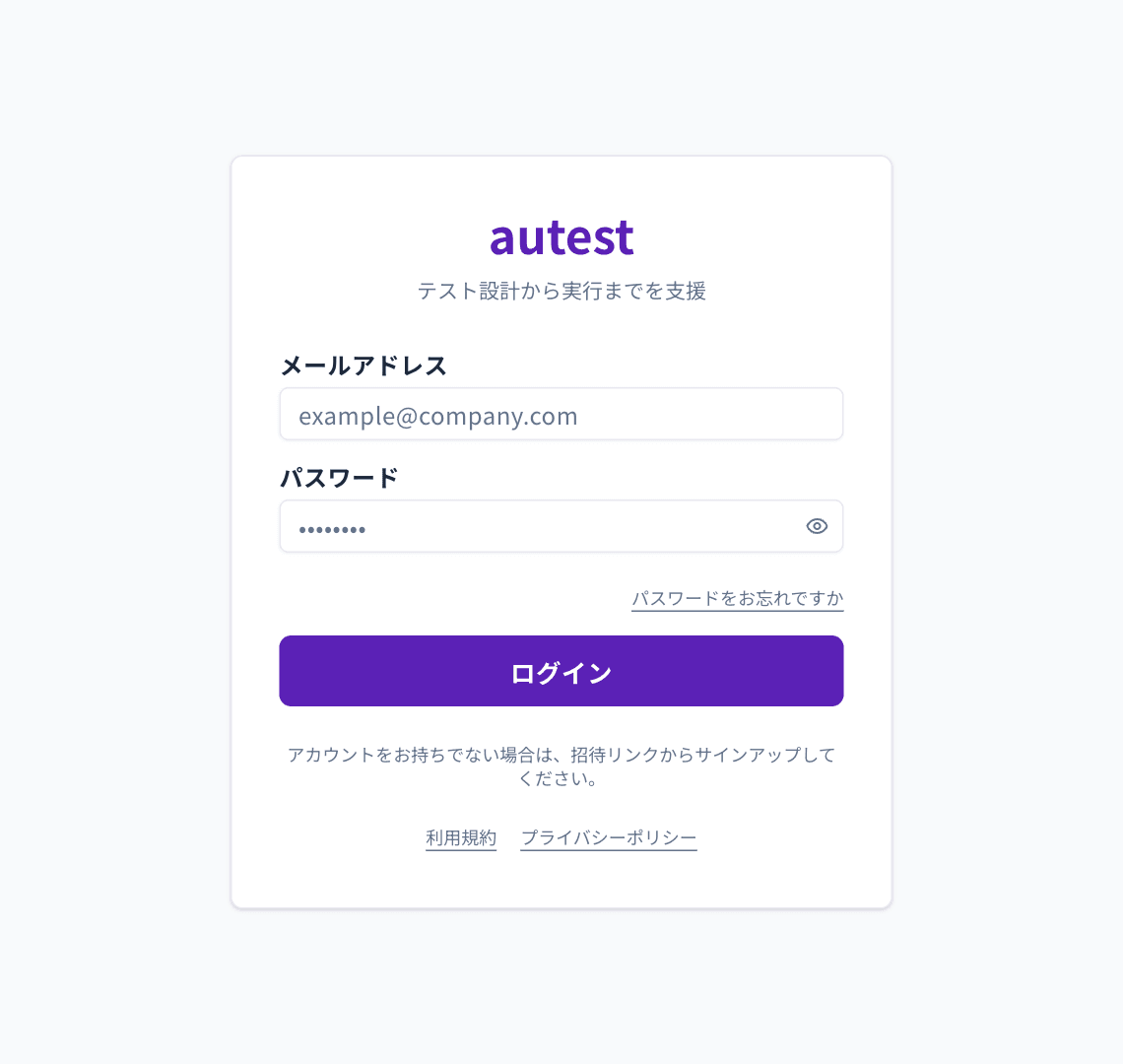
You can also sign in with Google. Choose Sign in with Google.
Confirming your email address
Section titled “Confirming your email address”When you first register, a confirmation email is sent to you. Autest stays locked until you open the link in that email.
If it does not arrive, check your spam folder. You can resend it from the sign-in screen.
If you forget your password
Section titled “If you forget your password”Choose Forgot your password? on the sign-in screen. Enter your registered email address and a reset link is sent to you.
If you were invited
Section titled “If you were invited”Open the link in the invitation email to create an account and join the organisation in one step. An invited account becomes a member of the organisation that invited it.